











CORE
Essential offline tools
29 US dollars
one-time purchase

- LibreOffice office suite
- KeePassXC password vault
- LocalSend file sharing
- Preparedness guide & checklist
- PDF reader & local notes
BEYOND THE INTERNET
AFTERWIRE puts offline knowledge, local AI, maps, and essential tools on your computer — so you can stay informed, productive, and prepared even when the internet isn’t there.
No cloud. No connection required after setup.
One-time purchaseWorks offline after setupTHE FIVE SYSTEMS
Essential knowledge, private AI, offline maps, productivity tools, and practical preparedness resources—available directly on your computer. Everything you need to stay informed, capable, and ready when connectivity disappears.
Download and complete setup while connected.
Included capabilities vary by edition.


Knowledge
Access a curated collection of offline reference libraries for research, learning, travel, and practical information. Browse encyclopedic knowledge, medical references, and travel guides with compatible offline readers.
Library selection varies by edition; expanded libraries are included in Complete.

Local AI
Run compatible AI models on your computer to ask questions, analyze information, draft documents, and solve problems without cloud processing after setup.
Compatible hardware, Jan installation and model setup are required.

Maps
Explore downloaded regional maps, roads, street-map detail, and geographic information without depending on a live internet connection.
Regional street-map viewing only. No GPS positioning, terrain, satellite imagery or routing.
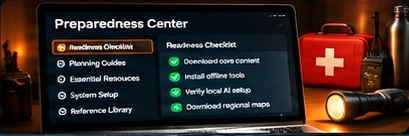
Preparedness
Organize essential resources, review practical guides, and follow readiness checklists to prepare your computer and information before disruptions occur.
Illustrative workspace. Setup and readiness checks are completed by you.

Productivity
Create documents, manage spreadsheets, read PDFs, organize notes, and use essential desktop tools locally.
Illustrative documents. Compatible included desktop apps open separately.
INTRODUCING
A unified, offline-ready interface that brings essential knowledge, local AI, maps, preparedness resources, and productivity tools together in one curated collection.
Your complete offline toolkit — organized, accessible, and built for real-world reliability.
Explore GRIDGONEWelcome to GRIDGONE
Everything below runs from your own computer. Edition: COMPLETE.
Offline Wikipedia, medicine, travel and more in Kiwix

Private assistant on your own computer via Jan
US street maps that work without internet
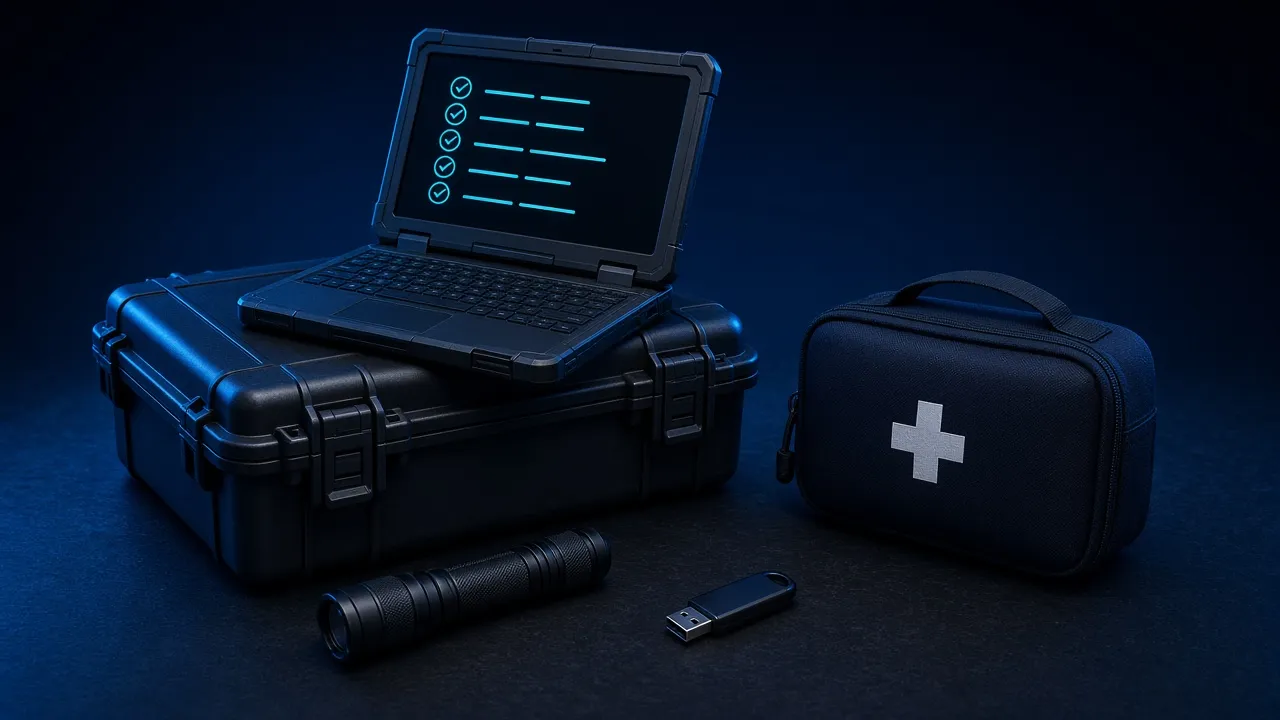
The GRIDGONE guide and your checklist
Documents, spreadsheets, PDFs, passwords
EXAMPLE · NOT YOUR DEVICE
Offline ModeEXAMPLE
Running from local files (internet also available)
Local AI
Jan not reachable — start Jan and its Local API Server
Maps
3 map files listed in your download; open one to confirm it’s on this computer
Core Tools
5 installers bundled; the browser can’t see whether they’re installed
Data SecureEXAMPLE
Notes and checklist stay in this browser on this computer; nothing is uploaded
✓ example check · ? can’t be checked from a browser · ! needs attention · – not in your edition
CHOOSE YOUR EDITION
Get the GRIDGONE edition that fits your needs — from essential offline knowledge to a complete, all-in-one resilience platform.
Essential offline tools
one-time purchase
More capability
one-time purchase

Advanced local AI
one-time purchase

Maximum preparedness
one-time purchase

Purchases are not open yet. Join your edition’s launch list; installation checks on physical hardware are pending.
One payment. No recurring subscription.
Use included tools after download and setup.
Work with files on your own computer.
Included guides for installation and setup.
Local AI requires compatible hardware and model setup. Complete includes downloaded street maps for the contiguous U.S., Alaska, and Hawaii. Download and complete setup while connected.
Compare EditionsOFFLINE AI
A private, local AI assistant that works offline after setup. Ask questions, analyze information, draft text and solve problems with compatible models on your computer.
Explore questions and get local answers.
Draft, summarize and refine text.
Break down information and ideas.
Work through code and technical questions.
Develop plans and review checklists.
Run compatible models on your device.


Help me prepare a 72-hour home emergency checklist.
Here is a starting checklist to review for your household:
Adjust your plan to local guidance. Check AI answers against trusted sources.
Help me prepare a 72-hour home emergency checklist.
Here is a starting checklist to review for your household:
Adjust your plan to local guidance. Check AI answers against trusted sources.
Included in Intelligence and Complete. Compatible hardware and initial setup required. 8 GB RAM minimum; 16 GB+ recommended. Model performance varies. Check supported hardware →
OFFLINE MAP
Downloaded regional street maps for exploring roads, places and geographic information — stored on your own computer.
Explore roads, places and downloaded geographic data.
View downloaded regions without an internet connection.
Choose available layers and regional map files.


Complete includes separate map files for the contiguous U.S., Alaska and Hawaii. Download while connected. No GPS tracking, routing, live traffic, satellite imagery or 3D terrain. The geographic light network is illustrative.
PRODUCTIVITY
Essential productivity tools that work anywhere, without an internet connection.
Write, edit, and manage files locally.
View and analyze data in spreadsheets.
Open PDFs, reference materials, and other important files offline.
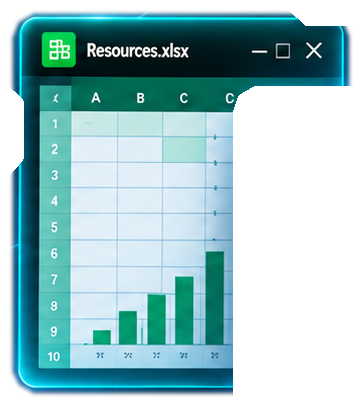


Write and calculate with LibreOffice. Read picked PDFs and keep notes in GRIDGONE. Organize files with your operating system’s file manager. Explore Productivity →
PREPAREDNESS
A practical, step-by-step preparedness guide for power, grid, and internet disruptions.
Step-by-step actions for the first hour, first day, and days 2–3.
Storage, supplies, and water reference material.
Food and refrigeration reference pages for outages.
Communications without internet and a family communication plan.

QUICK REFERENCE

HOUSEHOLD CHECKLIST
QUICK REFERENCE
HOUSEHOLD REFERENCE
PRINTABLE WORKSHEET
| Name | Contact | Meeting place |
|---|---|---|
Out-of-area contact: ___________
Family meeting place: ___________
General information for households. Follow local emergency authorities and qualified professional advice. Explore Preparedness →
AFTERWIRE / GRIDGONE
The tools. The knowledge. The capability.
Yours to keep, on your terms — completely offline.